#IA #Agentique #ToolCalling #ContextEngineering #MCP #LLM
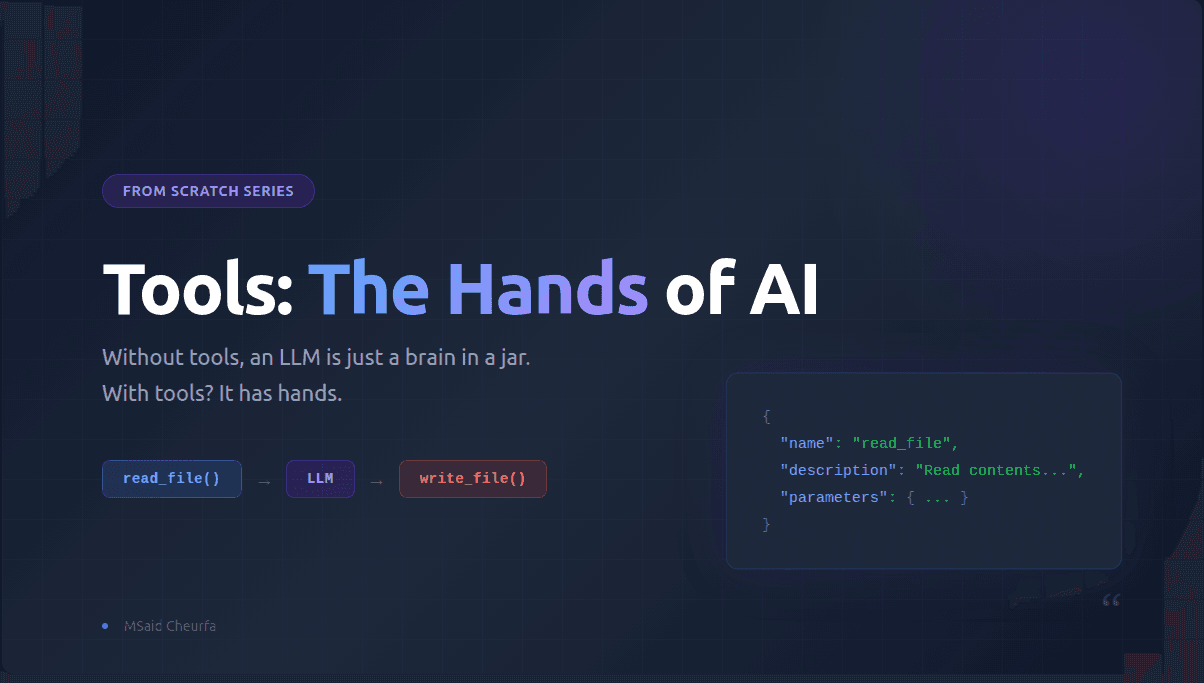
Tools - The Hands of AI
May 17, 202614 min
$ cat blog/*.md
Thoughts, tutorials, and insights about AI and technology
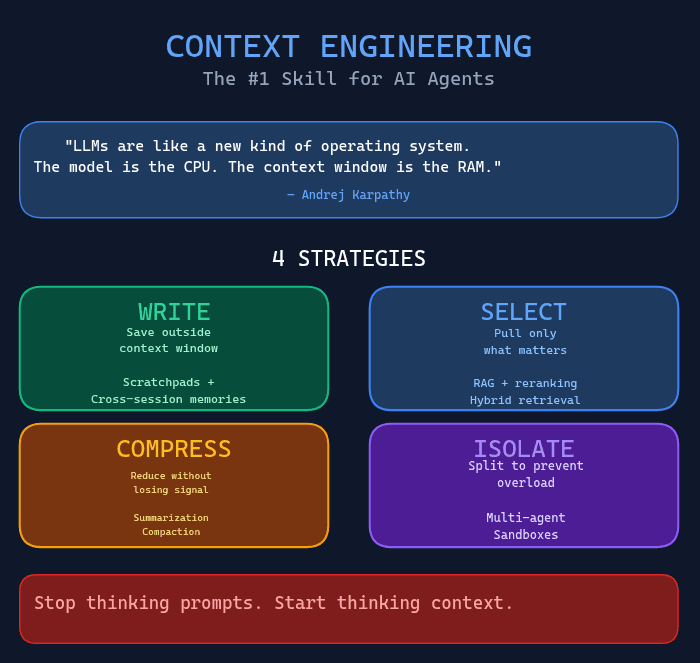
The one skill that separates production-grade AI agents from expensive hallucinations.


In Part 1, we understood why MCP matters. In Part 2, we built a universal MCP client. In Part 3, we created the agentic layer. Now let's talk about why this matters for your product — and how to actually integrate it.test

In Part 1, we learned that MCP = Function Calling + Standardization. We saw how MCP servers expose tools and how clients communicate with them through JSON-RPC messages. In Part 2, we built a UniversalMCPClient that connects to any MCP server (stdio, SSE, or Streamable HTTP), discovers available tools, and executes them. But here’s what we haven’t solved yet: How do you make an AI that automatically decides which tools to use?(using mcp client)
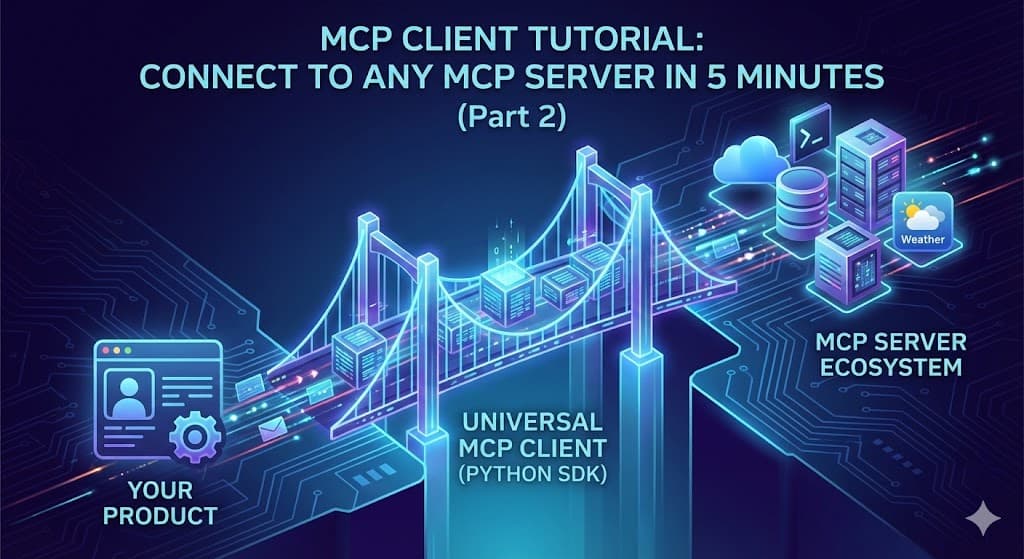
You’ve read about MCP. You understand it’s “Function Calling + Standardization.” You’ve seen dozens of MCP servers on GitHub — Gmail, Slack, databases, weather APIs. Claude Desktop and Cursor have MCP client built-in.
The Equation That Changes Everything